
Introduction
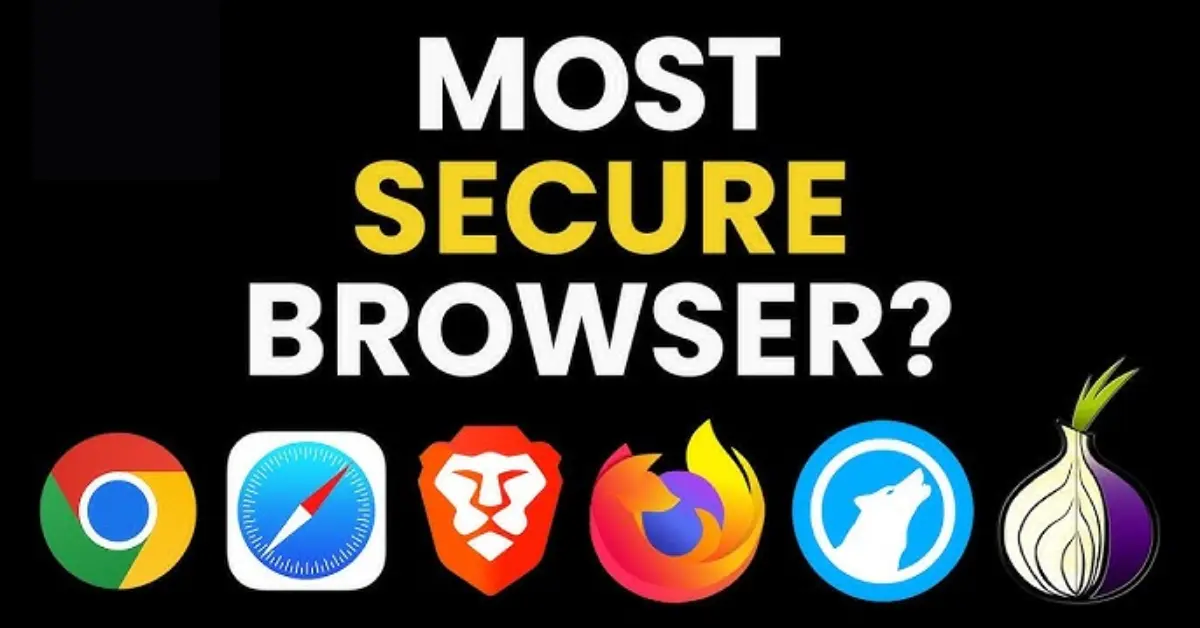
Web browsers are the gateway to the internet. From online banking to shopping, social media, and professional tasks, everything we do online passes through a browser. However, with cyber threats, data breaches, and privacy concerns on the rise, choosing the right browser is no longer just about speed or design—it’s about security and privacy.The question many users ask is: What is the most secure web browser? This article explores the essential features that define a secure browser, compares today’s leading options, and offers practical advice for safer browsing.
What Makes a Web Browser Secure?

A secure web browser is designed to protect users from online threats like malware, phishing, identity theft, and surveillance. Here are the core features that determine browser security:
- Encryption & HTTPS Enforcement – Ensures data between user and websites is encrypted.
- Sandboxing – Isolates each web page or tab so malicious code cannot affect the entire system.
- Regular Security Updates – Frequent updates to patch vulnerabilities.
- Anti-Tracking Technology – Blocks cookies, trackers, and fingerprinting attempts.
- Password & Credential Protection – Built-in tools to prevent credential theft.
- Open-Source Transparency – Allows independent security audits of the browser’s code.
Browsers that balance these features effectively are considered the most secure.
You May Like It:
Python Backend Development: A Complete Guide
Coding Basics for Beginners – Learn Step by Step
Backend Development Roadmap: Complete Beginner’s Guide
Popular Secure Web Browsers in 2025
Mozilla Firefox
- Pros: Open-source, highly customizable, strong anti-tracking features, frequent updates.
- Cons: Slightly slower than Chromium-based browsers.
- Best For: Users who value privacy and open-source transparency.
Brave
- Pros: Built-in ad and tracker blocker, HTTPS Everywhere, Tor integration for private browsing.
- Cons: Smaller extension library compared to Chrome.
- Best For: Privacy-focused users who still want speed and modern features.
Tor Browser
- Pros: Based on Firefox with onion routing for maximum anonymity. Protects against surveillance and censorship.
- Cons: Slower browsing speeds, some websites may block Tor traffic.
- Best For: Users needing maximum privacy and anonymity (journalists, activists, researchers).
Google Chrome
- Pros: Leading in security updates, sandboxing, phishing protection. Huge extension ecosystem.
- Cons: Google’s data collection practices raise privacy concerns.
- Best For: Users who prioritize security and performance over privacy.
Microsoft Edge
- Pros: Built on Chromium with strong security, tracking prevention, Windows integration.
- Cons: Tied to Microsoft services and data collection.
- Best For: Windows users looking for a secure, fast, and stable browser.
Safari
- Pros: Intelligent Tracking Prevention, deep integration with Apple’s ecosystem, strong for online banking.
- Cons: Limited customization, only available on Apple devices.
- Best For: Mac and iOS users who want security and ease of use.
Opera
- Pros: Built-in VPN, ad-blocker, and battery-saving features.
- Cons: Closed-source components raise transparency concerns.
- Best For: Users who want convenience with added privacy tools.
Comparison of Security Features
| Browser | Tracker Blocking | Sandboxing | Open-Source | VPN/Tor Support | Updates Frequency |
|---|---|---|---|---|---|
| Firefox | Yes | Yes | Yes | Tor via add-ons | Regular |
| Brave | Yes (default) | Yes | Yes | Tor built-in | Regular |
| Tor Browser | Yes | Yes | Yes | Native (Onion) | Regular |
| Chrome | Limited | Yes | No | Extensions only | Frequent |
| Edge | Yes | Yes | No | Extensions only | Frequent |
| Safari | Yes | Yes | No | No | Regular |
| Opera | Yes | Yes | Partly | Built-in VPN | Regular |
Which Browser is the Most Secure?
There isn’t a single “most secure” browser for everyone—it depends on your priorities:
- For maximum anonymity: Tor Browser is the clear winner.
- For everyday privacy: Brave and Firefox are excellent choices.
- For strong security & performance: Google Chrome and Microsoft Edge stand out.
- For Apple users: Safari is a reliable and secure option.
So, the most secure browser varies depending on whether you prioritize privacy, speed, or compatibility.
You May Like It:
What is Secure Web Gateway (SWG) : Features Benefits and Future
Web Security: Importance Best Practices and Future Trends
Front-End Engineer: Role, Skills, and Career Guide
Additional Tips for Secure Browsing
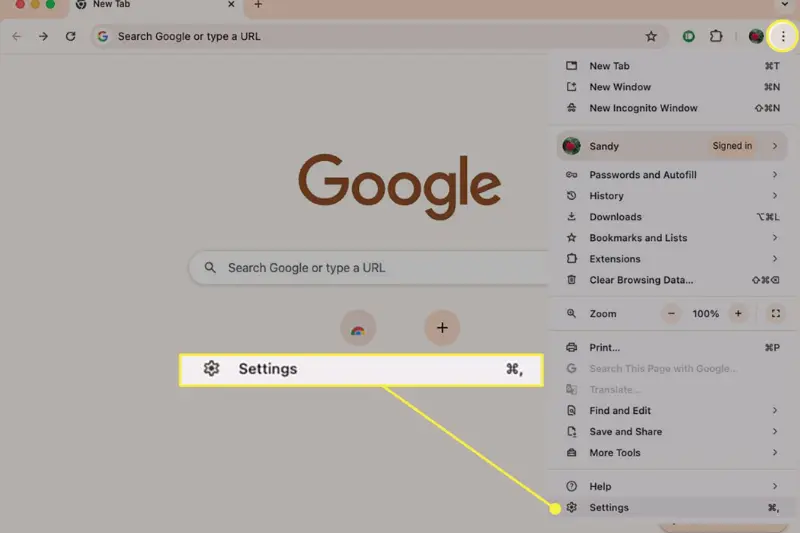
Even the most secure browser cannot guarantee complete safety. Users must follow best practices:
- Keep your browser updated – Always install the latest patches.
- Use strong, unique passwords – Pair with a password manager.
- Enable multi-factor authentication (MFA) – Adds an extra security layer.
- Limit extensions – Only install from trusted sources.
- Use a VPN – Protects your IP and encrypts your online traffic.
- Avoid suspicious websites and downloads – Browser security cannot replace caution.
FAQs
Which browser has the best built-in security?
Tor Browser offers the highest level of built-in security and anonymity, though Brave and Firefox are also strong choices.
Is Chrome safer than Firefox?
Chrome offers faster updates and strong sandboxing, while Firefox provides better privacy protection.
Can Tor Browser be hacked?
Tor is highly secure, but it’s not immune to attacks. Users should still follow safe browsing practices.
Does Brave Browser sell your data?
No, Brave is designed with a strong privacy-first approach and does not sell user data.
Is Safari secure for online banking?
Yes, Safari is highly secure for banking, especially on Apple devices, due to its strong encryption and tracking prevention.
Which browser is fastest and most secure?
For speed and security combined, Chrome and Edge are excellent, while Brave offers both with added privacy.
Do VPNs make browsers more secure?
Yes, VPNs add encryption and hide your IP, enhancing browser security.
How often should I update my browser?
Always update as soon as new versions are available to patch vulnerabilities.
Are browser extensions safe to use?
Some are, but many can be malicious. Only download from official stores and trusted developers.
What is the safest browser for Android and iOS?
Brave and Firefox Focus are excellent for mobile privacy, while Safari is best for iOS users.
Conclusion
In a digital world where cyber threats are constantly evolving, choosing a secure browser is vital. While Tor Browser excels at anonymity, Brave and Firefox strike the best balance between privacy and usability. For those who prioritize frequent updates and system integration, Chrome, Edge, and Safari remain strong choices.Ultimately, the most secure browser is the one that aligns with your personal needs—whether that’s privacy, speed, or cross-platform convenience. By combining the right browser with good security habits, you can significantly reduce online risks.
You May Like It
Easiest Coding Language to Learn in 2025
Frontend Masters: A Complete Guide for Web Developers
Frontend Mentor: A Complete Guide for Web Developers
Highest Paying Coding Languages in 2025
