

You are about to go for a walk, start a workout, or drive to work and want to listen to a podcast, lecture, interview, or music from YouTube without watching the video. Naturally, you may wonder: How to convert YouTube to MP3 legally?
The answer is not always straightforward.
Many websites promise fast and free downloads, but some break copyright rules, expose you to malware, or provide poor-quality audio. What most guides fail to explain is that legality depends on what content you download, how you use it, and whether you have permission to access it offline.
If you have been searching for how to convert YouTube to MP3 legally, this guide explains everything in simple English. You will learn what is legal and illegal, safe methods to convert audio, official alternatives, hidden risks most articles ignore, and smarter ways to listen offline without problems.
What Does “Convert YouTube to MP3” Actually Mean?
Before discussing legality, let us quickly understand what YouTube to MP3 conversion actually means.
When you convert a YouTube video to MP3, a tool extracts the audio portion of the video and saves it as a downloadable sound file.
People usually do this to:
- Listen to podcasts offline
- Save educational lectures
- Hear interviews while commuting
- Play meditation or motivation audio
- Access royalty-free music for projects
Instead of streaming a video repeatedly, users prefer an MP3 file they can play anytime without internet.
However, the important question is not whether you can convert YouTube videos.
Is It Legal to Convert YouTube Videos to MP3?
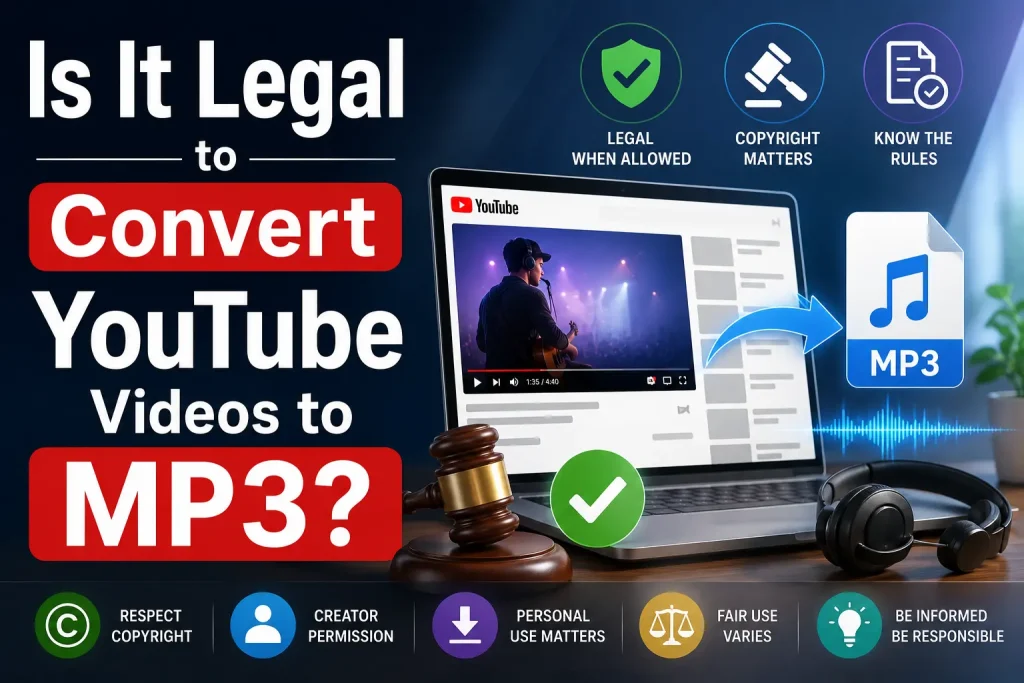
The short answer is:
Sometimes yes, sometimes no.
Legality depends on the content and how you use it.
When It Is Usually Legal
In many situations, converting YouTube videos to MP3 can be legal.
You Own the Content
If you uploaded the video yourself, you generally have the right to download or convert it.
For example:
- Your own podcast
- Personal videos
- Your business content
- Videos you created
You already own the copyright, so there is no issue.
The Content Is Copyright-Free
Some YouTube videos are released under:
- Creative Commons licenses
- Royalty-free permissions
- Public domain licenses
Creators sometimes explicitly allow downloads and reuse.
Always check:
- Video description
- Creator permissions
- Licensing information
This is one of the safest legal methods that many online guides barely explain.
You Have Permission From the Creator
If the creator directly allows downloads or sharing, converting the content may be acceptable.
For example:
A professor uploads lectures and tells students they can save the audio for offline learning.
In this case, permission matters.
You Use Official Offline Features
This is the cleanest and safest method.
Using official offline downloads through premium subscriptions allows legal listening without violating platform rules.
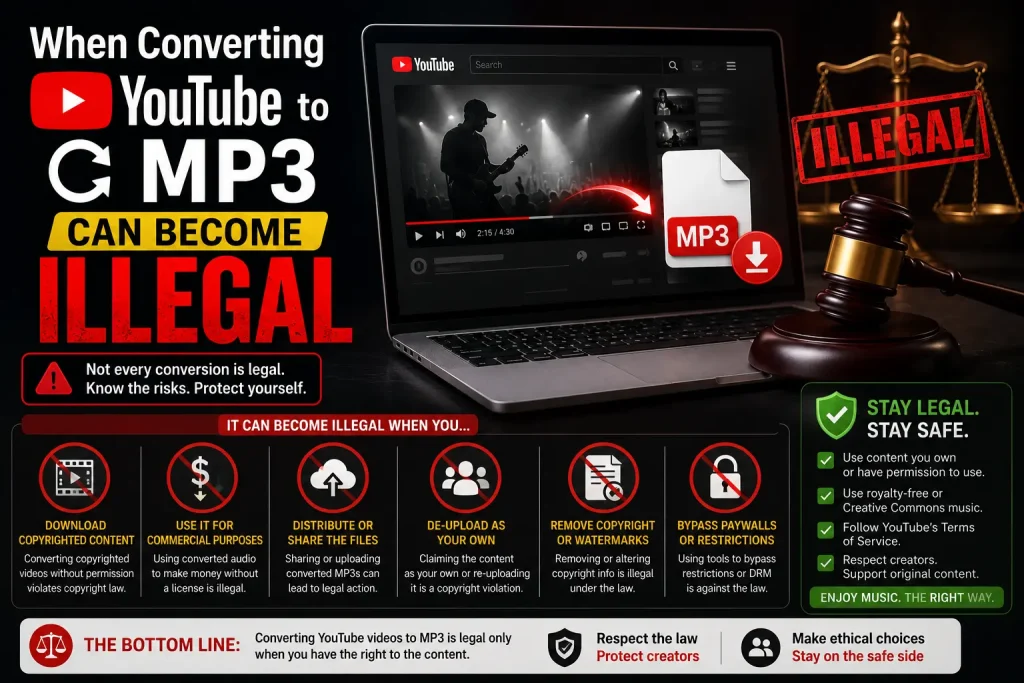
When Converting YouTube to MP3 Can Become Illegal
Many people assume:
“If it is for personal use, it must be legal.”
That is not always true.
Downloading Copyrighted Music
Converting copyrighted songs into MP3 files without permission may violate copyright laws in many countries.
Examples include:
- Popular music videos
- Paid albums
- Commercial audio content
- Licensed entertainment videos
Even if you do not sell the file, unauthorized downloading may still violate platform terms or copyright laws.
Bypassing Official Access Systems
Many YouTube to MP3 tools work by bypassing how YouTube is designed to function.
YouTube mainly intends content to be:
- Streamed online
- Accessed inside its app
- Downloaded only through approved features
This is an important detail most online guides do not explain clearly.
Reusing Downloaded Content Commercially
This is where many users make mistakes.
Using converted YouTube audio for:
- Business videos
- Monetized content
- Advertisements
- Podcasts
- Client projects
without permission can create serious copyright issues.
Always verify usage rights.
How to Convert YouTube to MP3 Legally
Now let us discuss the safest and most legal ways.
Method 1: Use YouTube Premium Offline Mode
For most people, this is the best legal solution.
YouTube Premium allows users to:
- Download videos for offline use
- Listen without ads
- Play in the background
- Access content without internet
This option works perfectly for:
- Travel
- Flights
- Gym sessions
- Long drives
- Offline studying
What many people misunderstand is this:
YouTube Premium does not give you an exportable MP3 file.
Instead, it provides offline listening inside the app, which is completely legitimate.
Method 2: Convert Your Own Videos
If you own the content, conversion is usually straightforward.
Steps:
- Open your video
- Copy the video link
- Use trusted software
- Extract audio in MP3 format
- Save locally
This method works well for:
- Podcasters
- Teachers
- Course creators
- Businesses
Method 3: Use Royalty-Free or Creative Commons Videos
This is one of the best options often missed in online guides.
Many creators intentionally publish downloadable content.
Examples include:
- Meditation tracks
- Sound effects
- Study music
- Educational lectures
- Copyright-free background music
Look for:
- “Creative Commons”
- “Free to use”
- “Royalty-free”
- “Reuse allowed”
Always double-check permissions.
Best Safe Tools for YouTube to MP3 Conversion
Not every converter is safe.
Some sites contain:
- Malware
- Fake buttons
- Redirect spam
- Browser hijackers
Here are safer options often recommended by users.
| Tool | Best For | Installation |
|---|---|---|
| 4K Video Downloader | High quality downloads | Yes |
| MediaHuman | Batch downloads | Yes |
| Any Video Converter | Beginners | Yes |
| ClipGrab | Simple interface | Yes |
Desktop software is usually safer than random online websites because it reduces redirect risks.
Warning Signs of Unsafe YouTube to MP3 Websites

This is where most guides fail to help users.
Avoid websites that:
Open Multiple Pop-Ups
If clicking “Download” opens 4 new tabs, leave immediately.
Download Strange File Types
You want:
.mp3
You do not want:
- .exe
- .zip
- .iso
These may contain harmful software.
Ask You to Install Unknown Extensions
Never install suspicious browser add-ons just to download audio.
Show Fake Download Buttons
Many spam websites intentionally confuse users.
Always read carefully before clicking.
Better Alternatives to YouTube to MP3
Sometimes conversion is unnecessary.
Here are smarter options.
Music Streaming Apps
Official streaming services often provide:
- Offline listening
- Better audio quality
- Legal access
Podcasts Apps
If you are downloading interviews or talks, podcast apps may already offer offline playback.
Save Videos for Watch Later
Sometimes simply saving the content inside YouTube solves the problem.
Common Mistakes People Make
Many users unknowingly create problems.
Avoid these mistakes:
Assuming “Free” Means Legal
Free does not automatically mean allowed.
Ignoring Copyright Notices
Always check permissions.
Using Unsafe Converter Sites
Security risks are real.
Downloading Low-Quality Audio
Some converters falsely claim 320kbps but provide poor quality sound.
Quick Reference: Legal vs Risky
| Situation | Legal Status |
|---|---|
| Your own content | Usually legal |
| Creative Commons content | Often legal |
| Creator permission | Usually legal |
| YouTube Premium offline | Legal |
| Copyrighted music downloads | Risky |
| Commercial reuse without permission | Usually illegal |
Frequently Asked Questions
Is converting YouTube to MP3 for personal use legal?
It depends on the content and copyright rules in your country. Personal use does not automatically make something legal.
What is the safest way to listen offline?
Using YouTube Premium offline mode is the safest and simplest option.
Are online YouTube to MP3 converters safe?
Some are, but many contain ads, redirects, or malware risks.
Can I convert YouTube videos on mobile?
Yes, but be cautious with unknown apps and websites.
What audio quality is best?
320kbps offers strong sound quality, though source quality matters too.
Final Thoughts
Learning how to convert YouTube to MP3 legally is not just about finding a converter website. It is about understanding copyright, using safe methods, and avoiding unnecessary risks.
If you simply want offline listening, official options like YouTube Premium are usually the easiest solution. If you own the content or have permission, conversion becomes much simpler and safer.
Most importantly, stay away from suspicious download sites, check licensing rules carefully, and choose trusted methods that protect both your device and your privacy.
The best approach is simple: listen safely, respect copyright, and use legal options whenever possible.
You May Also Like It:
Basic Coding Concepts – Beginners Guide
Simple Coding Projects for Beginners
Huffman Coding – The Core of Data Compression Explained
