
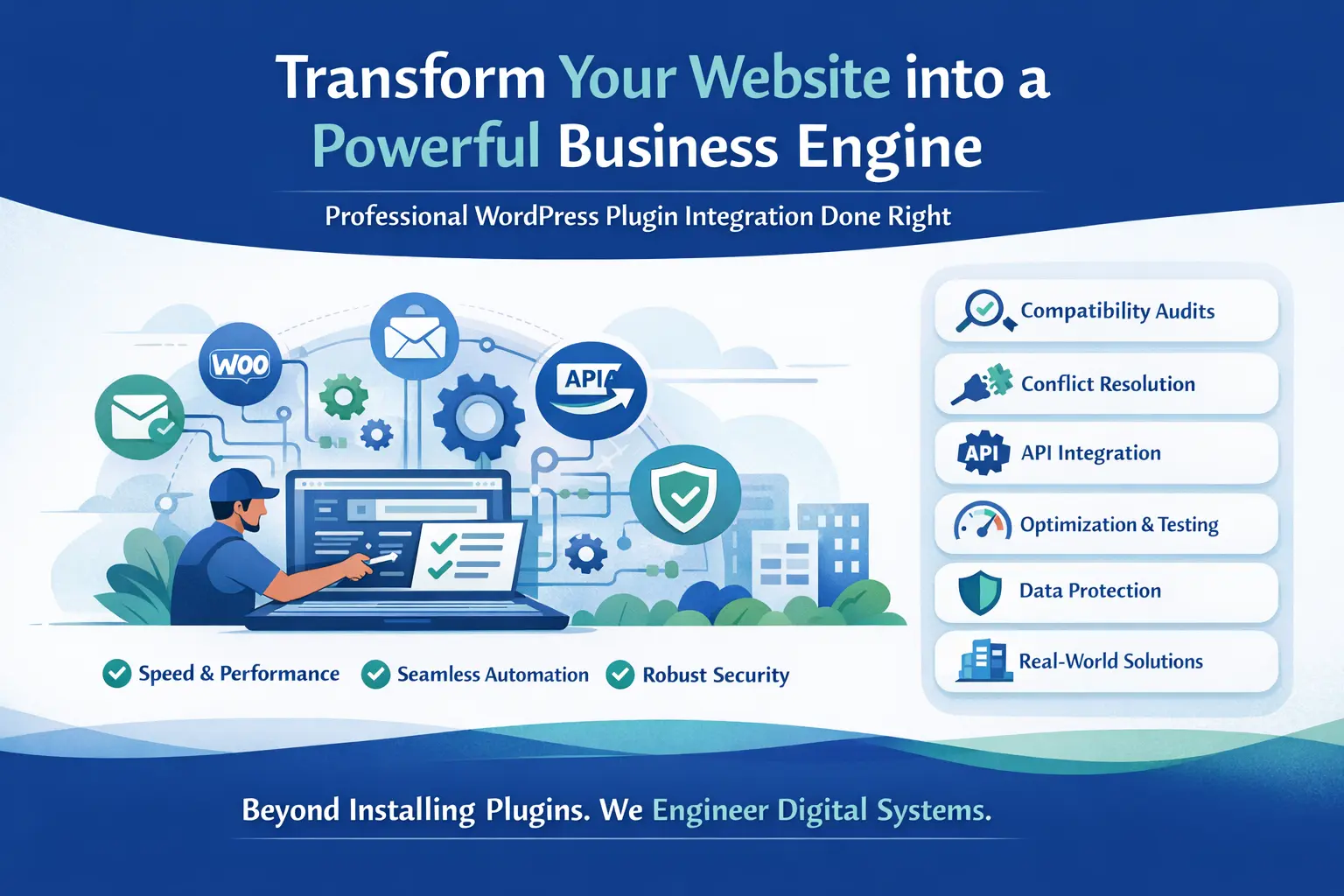
Your website should work like a powerful business engine — not a collection of disconnected tools.
If you’ve installed plugins and faced slow speed, conflicts, broken layouts, or failed integrations, you’re not alone. Many websites suffer because plugins are added without strategy.
Professional WordPress plugin integration services ensure that every plugin works together seamlessly, securely, and efficiently — without slowing down your site.
This guide explains:
- What plugin integration really means
- Why most websites get it wrong
- How professional integration improves performance
- Real-world use cases
- Security considerations
- Performance benchmarks
- Pricing insights
- A proven integration process
Let’s dive in.
What Are WordPress Plugin Integration Services?
WordPress plugin integration services involve:
- Installing plugins correctly
- Configuring them for your business needs
- Connecting them with third-party platforms
- Preventing conflicts
- Optimizing performance
- Securing data flow
- Testing automation workflows
It goes beyond simply clicking “Install.”
For example:
- Integrating WooCommerce with a CRM
- Connecting Elementor forms to email marketing
- Automating data to HubSpot
- Syncing orders to Zoho CRM
- Creating automation flows using Zapier
True integration means everything communicates smoothly.
Why Basic Plugin Installation Is Not Enough
Many businesses assume plugin integration is simple. The reality is different.
Common Problems We See
- Slow website speed
- Plugin conflicts
- Broken checkout pages
- Failed API connections
- Data not syncing
- Security vulnerabilities
- Duplicate data entries
- Email automation not triggering
Installing 10 plugins without optimization can increase server load by 30–70%.
Professional integration prevents these issues.
What Makes Professional WordPress Plugin Integration Different?
Here is what real experts do — and what most competitors fail to explain.
Compatibility Audit Before Installation
Before installing anything, professionals check:
- PHP version compatibility
- Theme compatibility
- Server environment
- Existing plugin conflicts
- REST API support
- Hosting limitations
This prevents problems before they happen.
Performance Impact Analysis
Each plugin adds:
- Database queries
- JavaScript files
- CSS files
- API calls
Professional services measure:
- Time to First Byte (TTFB)
- Page load time
- Database query count
- API response latency
Then optimize accordingly.
Most competitors never mention performance benchmarks. We do.
Secure API & Webhook Configuration
Modern integrations use:
- Webhooks
- REST APIs
- OAuth authentication
- Token-based authentication
For example, when connecting WooCommerce orders to a CRM, we ensure:
- Encrypted data transmission
- Rate-limit protection
- Secure webhook endpoints
- Error logging & retry logic
Security is not optional.
Core WordPress Plugin Integration Services We Provide
E-Commerce Integration
- WooCommerce payment gateways
- Shipping APIs
- Tax automation
- Inventory sync
- Abandoned cart automation
- ERP integration
CRM Integration
Connect your website with:
- HubSpot
- Zoho CRM
- Salesforce
- Mailchimp
We configure:
- Lead scoring
- Contact segmentation
- Automated email sequences
- Sales pipeline automation
Marketing Automation Integration
- Email automation
- SMS notifications
- Funnel tracking
- Conversion tracking
- Retargeting pixels
LMS & Membership Integration
- Course enrollment automation
- Payment-based access control
- Student progress tracking
- CRM syncing
Booking & Scheduling Integration
- Appointment scheduling
- Calendar sync
- Automated reminders
- Payment collection
Our 7-Step WordPress Plugin Integration Process
This structured process ensures reliability.
Step 1: Technical Audit
We analyze your current setup.
Step 2: Business Goal Mapping
We define automation goals.
Step 3: Plugin Selection
We choose performance-optimized plugins.
Step 4: Secure Configuration
We set up APIs and webhooks.
Step 5: Field Mapping & Data Testing
We test trigger and action fields.
Step 6: Performance Optimization
We reduce script bloat and database load.
Step 7: Ongoing Monitoring
We monitor logs, errors, and updates.
Most competitors stop at Step 3.
Performance Optimization Techniques (Rarely Explained by Others)
We apply advanced techniques such as:
- Removing unused plugin modules
- Delaying non-critical JavaScript
- Using object caching
- Database query optimization
- Background processing for heavy tasks
- Server-side webhook processing
This keeps your website fast.
Security Hardening During Plugin Integration
Plugin integration can expose vulnerabilities if not handled properly.
We implement:
- Firewall configuration
- Role-based access control
- Database sanitation
- Nonce verification
- Secure API key storage
- Malware scanning
Data protection builds trust.
Real Business Impact of Professional Integration
Here is what clients typically achieve:
- 20–40% faster page speed
- 60% reduction in manual data entry
- 100% automation of order syncing
- Increased lead response speed
- Reduced human errors
- Improved customer experience
Integration drives measurable ROI.
WordPress Plugin Integration Pricing Guide
Pricing depends on:
- Number of plugins
- API complexity
- Custom coding requirements
- Automation depth
- Ongoing maintenance
Typical Ranges:
- Basic integration: $150–$400
- Advanced CRM + automation: $500–$1500
- Enterprise automation systems: Custom quote
Transparency builds trust.
DIY vs Professional Plugin Integration
| Factor | DIY | Professional |
|---|---|---|
| Speed | Slow | Optimized |
| Security | Risky | Secured |
| Automation | Limited | Advanced |
| Scalability | Weak | Future-proof |
| Support | None | Ongoing |
If your website drives revenue, professional integration is safer.
Why Businesses Trust Professional WordPress Plugin Integration Services
Because we deliver:
- Clean architecture
- Scalable automation
- Fast performance
- Secure data flow
- Documented workflows
- Ongoing support
We don’t just “install plugins.”
We engineer digital systems.
Frequently Asked Questions
What is WordPress plugin integration?
It is the process of connecting plugins and external tools so they work seamlessly together without conflicts or performance issues.
How long does plugin integration take?
Basic integration may take 1–2 days. Complex CRM and automation setups can take 5–10 days.
Can plugin integration improve SEO?
Yes. Proper integration improves page speed, structure, and user experience, which positively affects SEO rankings.
Will plugin integration slow my website?
Not when done correctly. Professional optimization prevents performance issues.
Do I need ongoing maintenance?
Yes. Plugins require updates, monitoring, and occasional optimization to maintain stability.
Final Thoughts
Your website should not feel like separate tools glued together.
Professional WordPress plugin integration services transform your site into a synchronized, automated, secure system that supports business growth.
If you want:
- Faster performance
- Reliable automation
- Secure CRM connections
- Clean architecture
- Scalable infrastructure
Then expert integration is the smart investment.
Your plugins should work for you — not against you.
