
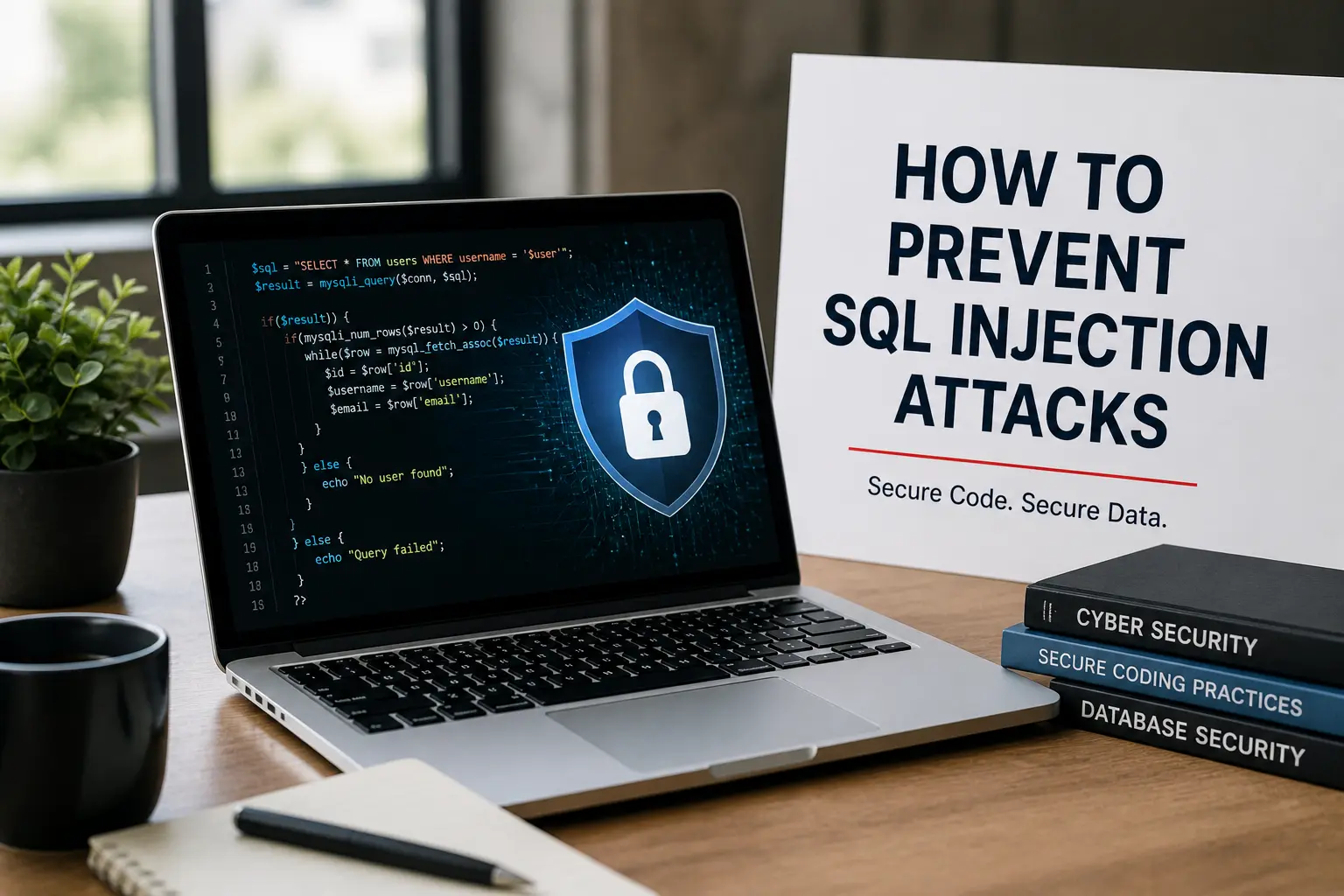
SQL injection attacks are one of the most common and dangerous security vulnerabilities in web applications today. If your application interacts with a database, it is a potential target for attackers looking to steal, modify, or delete sensitive data.
Many developers unknowingly create vulnerabilities by using dynamic queries or trusting user input without proper validation. This is where understanding how to prevent SQL injection attacks becomes critical.
In this guide, you’ll learn simple yet powerful techniques like parameterized queries, input validation, and secure coding practices that can completely eliminate SQL injection risks and protect your application from real-world attacks.
Quick Answer
To prevent SQL injection attacks, you should:
- Use parameterized queries (prepared statements)
- Avoid string concatenation in SQL
- Validate and sanitize input (allow-list)
- Use stored procedures safely
- Apply least privilege access
- Avoid dynamic SQL
- Never rely only on escaping input
What Is SQL Injection?
SQL injection is a cyber attack where attackers insert malicious SQL code into input fields (like login forms or APIs).
Example:
‘ OR ‘1’=’1This can:
- Bypass login
- Access sensitive data
- Modify or delete database records
Why SQL Injection Happens
SQL injection occurs when:
- Applications use dynamic queries
- User input is directly concatenated into SQL
Example of vulnerable code:
const query = “SELECT * FROM users WHERE username = ‘” + input + “‘”;This allows attackers to inject SQL commands.
How to Prevent SQL Injection (Step-by-Step)
Use Parameterized Queries (Most Important)
This is the most effective defense.
Why it works:
- Separates SQL code from user input
- Input is treated as data, not executable code
Secure example:
const query = “SELECT * FROM users WHERE username = ?”; connection.execute(query, [input]);Even malicious input cannot change query logic.
Never Use String Concatenation
Bad:
“SELECT * FROM users WHERE id = ” + userInputRule:
Never build SQL queries using user input directly.
Validate Input (Allow-List Approach)
Best practice:
- Only allow expected values
Examples:
- Email must match email format
- Age must be numeric
Important:
Validation is a secondary defense, not the primary one.
Use Stored Procedures Safely
Safe if:
- Parameters are used properly
Unsafe example:
EXEC(‘SELECT * FROM users WHERE name = ‘ + @input)Stored procedures are only safe when they do not use dynamic SQL.
Avoid Dynamic SQL Completely
Dynamic SQL means building queries at runtime.
This is a major risk area.
If unavoidable:
- Convert input to safe types (boolean, enum)
- Apply strict validation
Apply Principle of Least Privilege
Give minimum permissions to database users.
Example:
- Login system → only SELECT access
- No DELETE or DROP permissions
This limits damage if an attack succeeds.
Use ORM Frameworks
ORMs automatically use safe query methods.
Examples:
- Sequelize (Node.js)
- Django ORM (Python)
- Hibernate (Java)
This reduces the risk of writing insecure SQL.
Hide Database Error Messages
Bad:
SQL syntax error near ‘users’Good:
- Show generic errors to users
- Log detailed errors internally
This prevents attackers from learning database structure.
Never Rely Only on Escaping Input
Escaping input is not reliable.
Problems:
- Database-specific
- Easy to bypass
- Not guaranteed protection
Always prefer:
- Parameterized queries
- Stored procedures
Keep Software Updated
Update regularly:
- Database
- Frameworks
- Libraries
Many attacks exploit known vulnerabilities.
Use Web Application Firewall (WAF)
WAF helps:
- Detect SQL injection patterns
- Block malicious requests
But it is not a replacement for secure coding.
Monitor and Log Database Activity
Track:
- Unusual queries
- Failed login attempts
- Suspicious patterns
This helps detect attacks early.
Advanced Security Practices
Avoid User-Controlled Table or Column Names
Never allow users to directly control table or column names. Use allow-list mapping instead.
Separate Database Accounts
Use different database users for different applications.
Limit OS-Level Privileges
Do not run the database as root or administrator.
SQL Injection Prevention Checklist
- Use parameterized queries everywhere
- Avoid string concatenation
- Validate input using allow-list
- Avoid dynamic SQL
- Use stored procedures safely
- Apply least privilege
- Hide error messages
- Keep systems updated
- Use WAF
- Monitor logs
Final Thoughts
SQL injection is a serious but preventable vulnerability.
Most issues occur because:
- Developers trust user input
- Unsafe query methods are used
By following these practices, you can:
- Secure your application
- Protect user data
- Prevent costly breaches
You May Also Like It:
Basic Coding Concepts – Beginners Guide
Simple Coding Projects for Beginners
Huffman Coding – The Core of Data Compression Explained
