
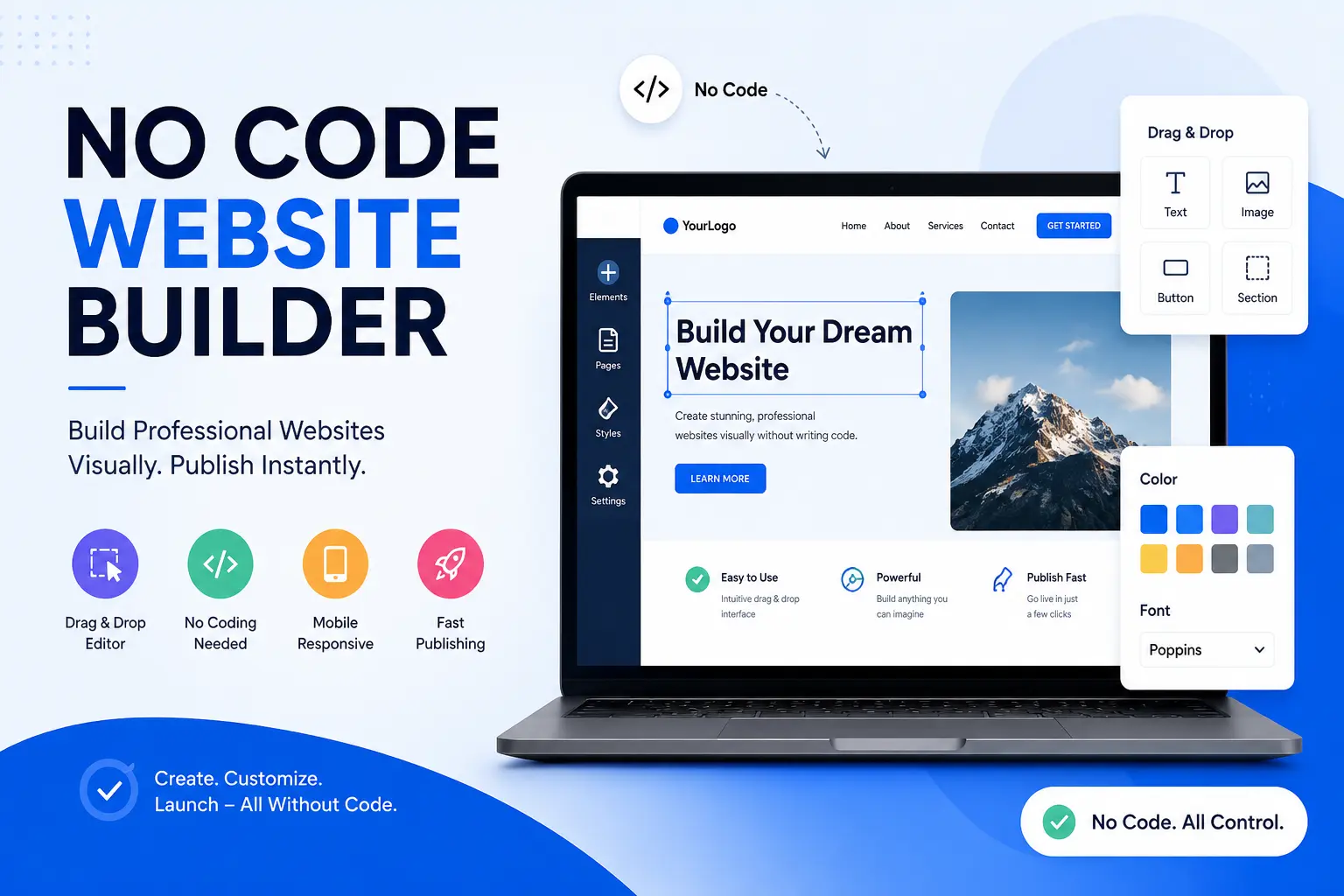
Building a website used to mean hiring a developer or spending months learning HTML and CSS. That barrier is gone. A no code website builder now lets anyone design, publish, and manage a professional website using visual tools instead of programming languages.
This guide explains exactly what a no code website builder is, how it works, which types exist, and how to choose the right one. It is written to give you a complete, practical understanding rather than a shallow overview, so you can make a confident decision the first time.
What Is a No Code Website Builder?
A no code website builder is a platform that lets you design, build, and launch a website using drag and drop tools, ready made templates, and visual editors, without writing a single line of HTML, CSS, or JavaScript. The platform handles the technical side, including hosting, security, and code generation, so you can focus entirely on content and design.
Whether it is written as no code, no-code, or nocode website builder, the meaning stays the same. It refers to any tool that removes the need for programming knowledge while still producing a fully functional, publishable website.
Most no code website builders include:
- A visual drag and drop editor
- Pre designed templates for different industries
- Built in hosting and SSL security
- Basic to advanced SEO controls
- Integrations for forms, payments, and analytics
- A content system for blogs or repeatable pages
What Is a No Code Web Builder Used For?
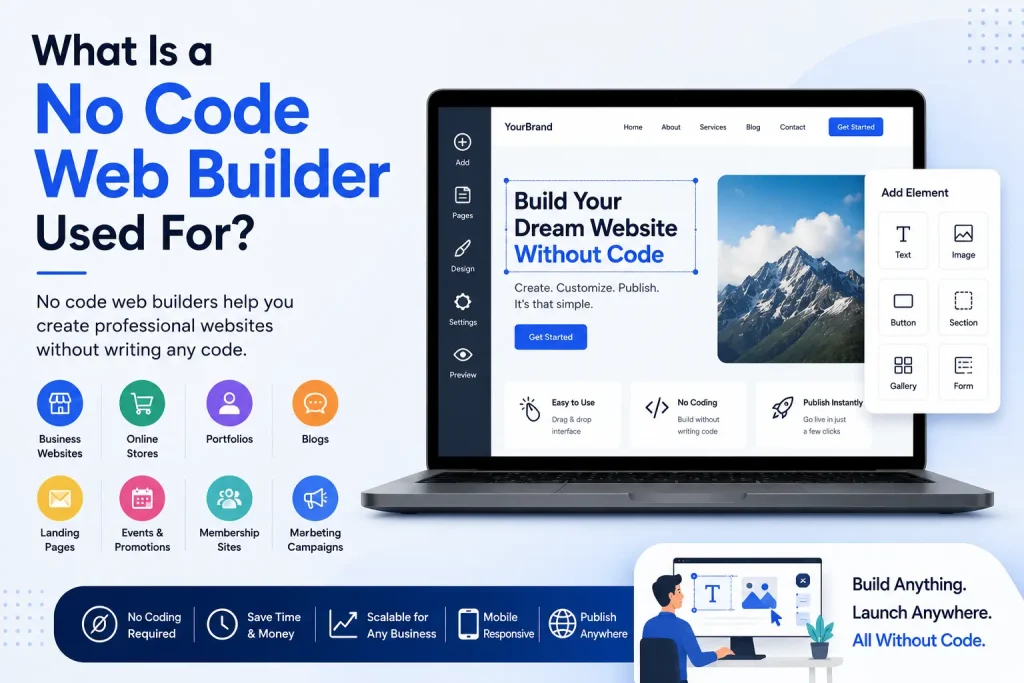
People search for a no code web builder for very different reasons, and the right platform depends on the goal. Common use cases include:
- Launching a small business or portfolio website quickly
- Creating a landing page for a product or service
- Building an online store without hiring a developer
- Publishing a blog with regular content updates
- Testing a business idea before investing in custom development
Because these platforms are built for speed and simplicity, most people can go from an empty screen to a published page in a single afternoon.
How to Create a Website Without Coding
Creating a website without coding generally follows the same five step process across most platforms:
- Choose a platform based on your goal, whether that is a simple landing page, a full business site, or an online store.
- Pick a starting template or, on newer AI powered builders, describe your website in plain language and let the tool generate a first draft.
- Customize the design using the drag and drop editor, adjusting layout, colors, fonts, and images to match your brand.
- Add functionality such as contact forms, a blog, a booking system, or a store using built in features or app integrations.
- Publish the site, then connect a custom domain and configure basic SEO settings such as meta titles and descriptions.
The entire process requires no programming knowledge, which is exactly why demand for these tools continues to grow so quickly.
Mini Case Study: Building a Travel Blog Without Code
Consider a traveler who wants to launch a travel blog to document trips and eventually earn income through ads and affiliate links. Using Wix, the process could look like this. First, she signs up and picks a travel blog template from the industry specific template library. Next, she customizes the homepage with her own photos, updates the color scheme to match her personal brand, and adds a navigation menu for destinations, guides, and gear reviews. She then enables the built in blog feature, writes her first three posts, and adds meta titles and descriptions for each one directly in the editor. Finally, she connects a custom domain, turns on the built in SSL certificate, and publishes the site.
From sign up to a live, published travel blog with three posts, the entire process took a single afternoon, with zero code written and no developer involved. This is the practical value a no code website builder delivers: a real, working website built entirely through visual tools.
Types of No Code Website Builders
Beginner Friendly Website Builders
These are true no code tools built for people with zero technical background. They rely almost entirely on templates and simple drag and drop editing. Wix and Squarespace are well known examples, offering polished designs and guided setup for small businesses, portfolios, and personal sites.
Design Focused Website Builders
Platforms in this category, such as Webflow and Framer, give experienced designers far more visual control while still requiring no code. They allow precise control over layout, spacing, and animation, closely matching the flexibility of hand coded websites. The tradeoff is a steeper learning curve compared to simpler drag and drop tools.
AI Powered Website Builders
This is the fastest growing category in 2026. Instead of manually placing elements, you describe your website in plain English and the platform generates a complete, ready to edit site in minutes. AI has moved from a nice extra to an expected feature across the industry, with the majority of professional site builders now using AI assistance to speed up design work.
E-commerce Website Builders
Platforms such as Shopify focus specifically on online stores, combining no code storefront design with inventory management, payment processing, and checkout optimization built for conversions.
Single Page and Landing Page Builders
Tools like Carrd focus on simplicity and speed, making them ideal for personal portfolios, bio links, and single page landing sites at a very low cost.
WordPress Based No Code Builders
Page builder plugins such as Elementor bring drag and drop editing to WordPress, combining the flexibility of the world’s most widely used content management system with a fully visual, no code workflow.
Best No Code Website Builders in 2026
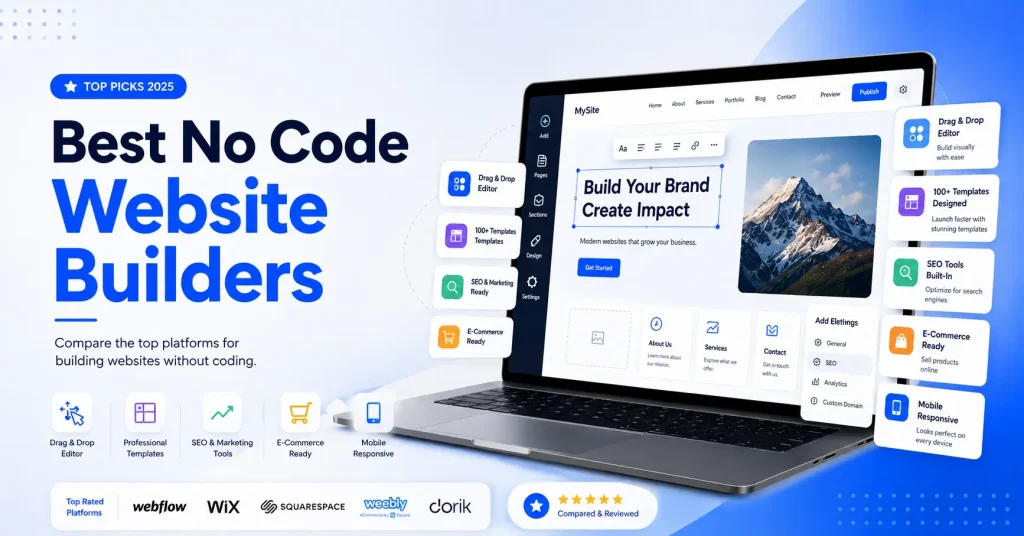
Here is a short, practical review of the platforms that consistently come up as the strongest options this year.
Wix. Wix remains one of the easiest entry points for total beginners. Its drag and drop editor lets you place elements anywhere on the page, and its app marketplace covers almost every extra feature a small business could need, from booking systems to live chat.
Squarespace. Squarespace is known for elegant, photography focused templates that look professional with minimal effort. It is a strong pick for creatives, photographers, and small stores that want a polished look without heavy customization.
Webflow. Webflow gives designers CSS level control through a visual canvas, producing clean, semantic code that supports strong page speed and search rankings. The learning curve is steeper than beginner tools, but the payoff is near hand coded flexibility.
Framer. Framer combines a Figma like design canvas with smooth animation tools and a usable built in CMS. It is a favorite for design forward marketing sites and SaaS landing pages that need motion and polish.
Shopify. Shopify is built specifically for online stores, separating product data from the presentation layer so you can manage inventory in the backend while designing the storefront visually. Its checkout flow is widely regarded as one of the most conversion optimized in e-commerce.
Carrd. Carrd is the go to choice for single page sites. It is extremely affordable, fast to set up, and ideal for portfolios, bio links, and simple landing pages that do not need multiple pages or complex features.
Elementor (WordPress). Elementor brings a full drag and drop page builder to WordPress, combining the world’s most widely used content management system with visual, no code editing. It is the strongest choice for anyone who wants deep SEO control and long term scalability.
Bubble. Bubble is built for web applications rather than simple websites. It suits founders building SaaS products, marketplaces, or logic heavy tools without writing backend code, though it comes with a steeper learning curve than typical website builders.
Dorik. Dorik is an AI powered no code builder known for a genuinely generous free plan, a white label CMS, native Airtable integration, and a built in blogging platform with real SEO tools. It works well for blogs, portfolios, membership sites, and agencies managing client sites, though it is not built as a full enterprise e-commerce platform.
Hostinger Horizons. Hostinger Horizons takes a conversational, prompt based approach. You describe what you want in plain language and the AI generates a functional website or web app, complete with hosting, a free domain, and SSL bundled in from a low starting price. It is aimed at non technical founders who want to go from idea to live product quickly.
Lovable. Lovable represents the AI first wave of builders, generating real, working code from natural language descriptions rather than templates. It is strongest for technical founders and developers who want to accelerate building modern web applications while still keeping full access to the underlying code.
Which No Code Website Builder Should You Choose?
The right platform depends entirely on your goal. As a quick reference:
- Beginners with no technical background: Wix
- Portfolios and creative showcases: Squarespace
- Full SEO control and long term scalability: WordPress with Elementor
- Online stores and e-commerce: Shopify
- Simple landing pages and single page sites: Carrd
- Designers who want pixel level control: Webflow or Framer
- Founders building an AI generated website or app from a text prompt: Lovable or Hostinger Horizons
If you are still unsure, start with the free plan of one option, build a simple test page, and judge how the editor feels before committing to a paid plan.
No Code Website Builder Comparison
| Builder | Best For | Learning Curve | Starting Price |
|---|---|---|---|
| Wix | Beginners and small businesses | Low | Free, paid plans from around $17/month |
| Squarespace | Portfolios, creatives, small stores | Low | Paid plans from around $16/month |
| Webflow | Designers and agencies needing full control | High | Free plan, paid from around $14/month |
| Framer | Design forward marketing sites | Medium | Free plan, paid from around $30/month |
| Carrd | Single page sites and landing pages | Low | Free basic, around $9/year for pro |
| Shopify | Online stores and e-commerce | Medium | Plans from around $29/month |
| Elementor (WordPress) | Full SEO control and long term scalability | Medium | Free version, paid plans vary |
Pricing and features change frequently, so always confirm current details directly on each platform before committing.
Why No Code Website Builders Matter Right Now
The no code and low code market has grown rapidly, driven by demand for faster, cheaper website and app development. Businesses using modern visual development tools report major reductions in development cost compared to traditional custom builds.
Speed also has a direct financial impact. Websites that load quickly convert significantly better than slow ones, and search engines reward fast, well structured pages with better rankings. Since mobile devices now account for well over half of global web traffic, a no code website builder with strong mobile responsiveness and solid Core Web Vitals performance is no longer optional, it is a baseline requirement.
Key Features to Look For
When comparing platforms, focus on the factors that actually affect long term success rather than surface level design.
- Ease of use: how quickly can a non technical user go from sign up to a published page.
- Design flexibility: can you build something that feels custom, or are you locked into rigid templates.
- Performance: does the platform handle Core Web Vitals and page speed well by default.
- SEO controls: does it give you access to meta titles, descriptions, canonical URLs, sitemaps, and structured data.
- Hosting and security: is hosting included, and does it come with SSL and reliable uptime.
- Export and portability: can you export your code or move your content if you decide to switch platforms later.
- Integrations: does it connect with the tools you already use, such as email marketing, payment processors, and analytics.
Portability deserves special attention. Some platforms keep your website locked inside their system with no way to export the code, which creates long term dependency on that provider. Builders designed for professional use typically offer code export or self hosting options, giving you real ownership of your site.
Pros and Cons of No Code Website Builders
Every tool involves tradeoffs, and a no code website builder is no exception. Weighing both sides helps set realistic expectations before you commit time and money.
Pros
- Fast to launch, often within hours instead of weeks or months.
- No programming knowledge required, so anyone can build and maintain the site.
- Lower upfront cost compared to hiring a developer or agency.
- Hosting, security, and updates are usually handled by the platform.
- Non technical team members can update content without waiting on a developer.
- Built in templates give a professional starting point even with no design experience.
Cons
- Less flexibility than fully custom development for highly specific features.
- Some platforms lock your site inside their system with limited or no code export.
- Monthly subscription costs can add up over time compared to a one time build.
- Heavy reliance on templates can make sites look similar to competitors if not customized carefully.
- Advanced functionality, such as complex backend logic, may require a more technical platform like Bubble or Webflow rather than a beginner tool.
- Switching platforms later can mean rebuilding the site from scratch if export options are limited.
No Code vs Low Code Website Builder
No code and low code are related but distinct categories, and the difference matters when choosing a platform.
A no code website builder is designed so that a user never needs to touch code at any point. Everything from layout to functionality is handled through visual, drag and drop tools, templates, and built in integrations. This makes it ideal for beginners, small business owners, and anyone who wants full independence from developers.
A low code platform, by contrast, still uses visual tools for most of the work but allows or occasionally requires custom code for advanced logic, integrations, or highly specific functionality. Platforms like Webflow and Bubble sit closer to the low code end of the spectrum, since they offer visual building as the default but support custom code and more complex logic when needed.
In short, choose a true no code website builder if you never want to see or write code. Choose a low code platform if you want the speed of visual building but may eventually need custom code to unlock more advanced features as your project grows.
No Code Website Builder vs Traditional Web Development
| Factor | No Code Website Builder | Traditional Development |
|---|---|---|
| Cost | Low to moderate, often monthly subscription | High, developer hours and ongoing maintenance |
| Speed | Live in hours or days | Weeks to months |
| Technical skill required | None to minimal | HTML, CSS, JavaScript, backend knowledge |
| Flexibility | Good to excellent depending on platform | Unlimited, fully custom |
| Best for | Small businesses, startups, portfolios, landing pages | Complex apps, highly custom platforms, enterprise systems |
Common Mistakes to Avoid
- Choosing a platform based on price alone without checking SEO and export options.
- Ignoring mobile responsiveness, since most visitors now browse on phones.
- Overloading pages with heavy animations that slow load times and hurt Core Web Vitals.
- Skipping meta titles and descriptions, which directly affects click through rate from search results.
- Picking a closed platform with no export option before confirming you are comfortable staying long term.
The Future of No Code Website Building
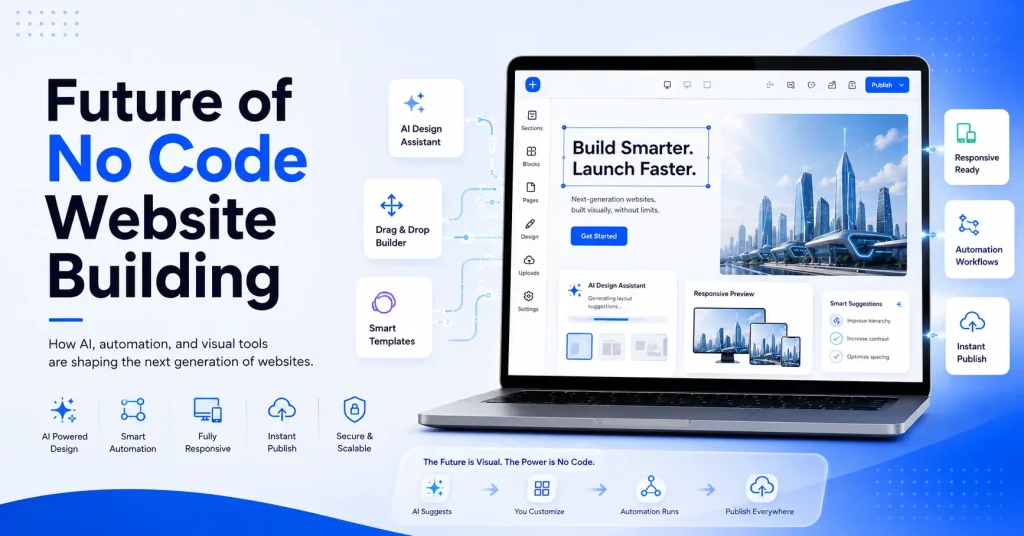
Artificial intelligence is reshaping this entire category. Rather than manually assembling a page, more builders now let you describe a website in plain language and receive a working draft instantly, complete with layout, copy suggestions, and images. At the same time, professional grade tools continue to add deeper design control, better export options, and stronger SEO features to compete with custom development.
The direction is clear. No code website builders are moving from simple template based tools toward intelligent platforms that combine speed, design freedom, and real code ownership, closing the gap with traditional development for an increasing number of use cases.
Frequently Asked Questions
What is a no code website builder?
It is a platform that lets you design and publish a website using visual, drag and drop tools instead of writing code, handling hosting and technical setup automatically.
What is a no code web builder good for?
It is ideal for launching business websites, portfolios, landing pages, blogs, and online stores quickly, without hiring a developer or learning to code.
How do I create a website without coding?
Choose a platform, select or generate a template, customize the design with a visual editor, add features like forms or a store, then publish and connect a domain.
Is a nocode website builder the same as a no-code website builder?
Yes. No code, no-code, and nocode all describe the same category of tool, one that builds fully functional websites without requiring programming knowledge.
Which no code website builder is best for beginners?
Platforms with simple drag and drop editors and guided templates, such as Wix and Squarespace, tend to have the gentlest learning curve for first time users.
Can I switch platforms later if I start with a no code website builder?
It depends on the platform. Some allow code export or content migration, while others keep your site locked into their system, so check export options before committing long term.
Conclusion
A no code website builder removes the biggest barrier to launching a website: the need to write code. Whether you want a simple landing page, a full business website, or an online store, there is a platform built for your exact use case, from beginner friendly drag and drop tools to AI powered builders that generate a complete site from a short description. The right choice depends on your goals, technical comfort, and how much control and portability you need long term.
